

Build with your AI assistant
Set up the FLEX skill, discover installed component APIs, configure File Upload
or use Media OS directly in your own Laravel services.
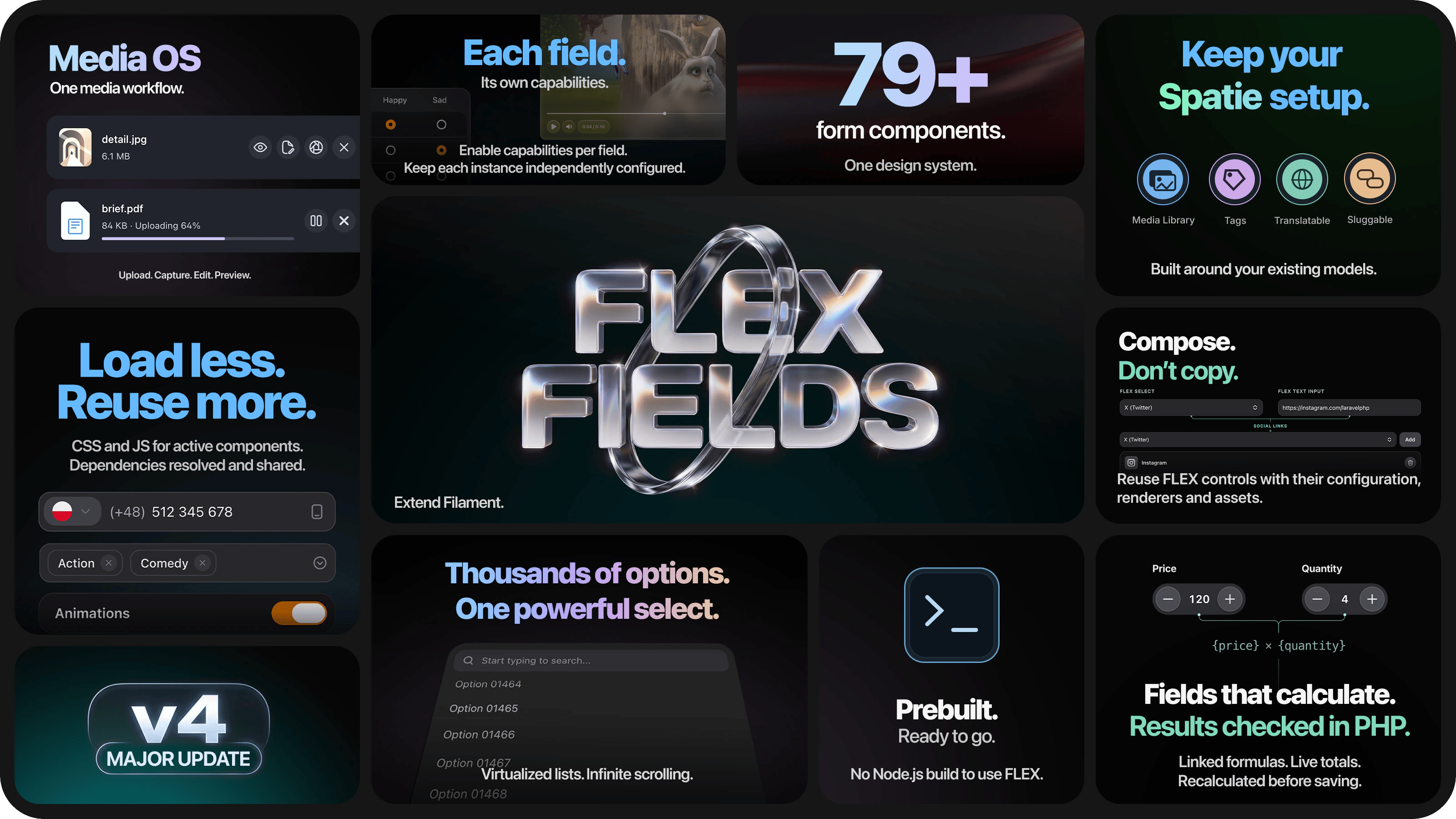
Your setup, in three steps
01 · Install FLEX
Add FLEX to your panel, publish its assets and verify the installation.
02 · Build your form
Start with one field, a scoped picker or a relational gallery in your existing form.
03 · Save with confidence
Set storage formats and validation, then verify saving and reopening records.
Want a guided walkthrough? Your first component covers a complete field-to-database example.
Make it your own
Configure your forms
Shared appearance defaults. Independent settings for each field.
Understand what loads
Component resources follow active use. Repeated controls share CSS and JavaScript.
Go further when you need to
Connect your media workflow
Storage, metadata, image versions and supported background processing through Media OS.
Create your own extension
Compose FLEX controls and reuse their resources across fields, columns and infolist entries.
Choose your own scope. Ordinary fields can use existing model attributes. Managed field groups and third-party integrations are optional. Check Requirements & integrations for the features you enable.