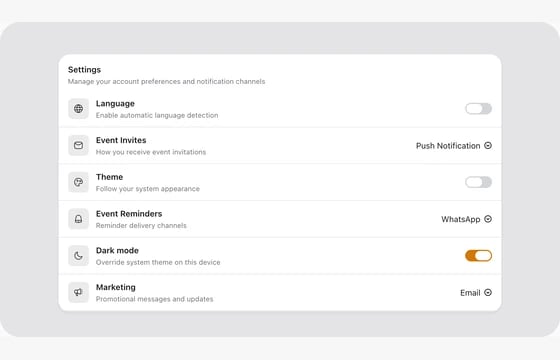
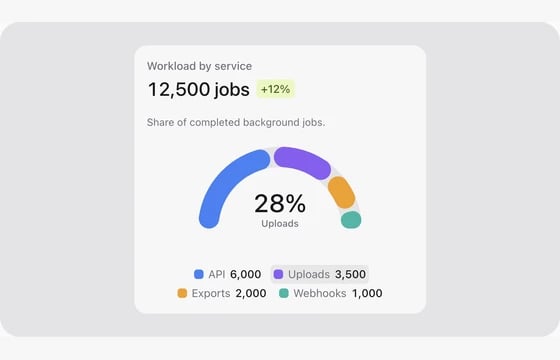
Form controls, layouts, table columns, infolist entries and actions for Filament. Browse component families, including controls without a recorded preview. Each component family has one card; its adapters, table columns and infolist variants are included in the same guide. Media OS rendering helpers and custom composition guides live in their own sections.

A recorded tour of real FLEX components for Filament 5: pickers, uploads, image editing, maps, signatures and more.

Watch on YouTube

Text & Input

9

Choice & Selection

20
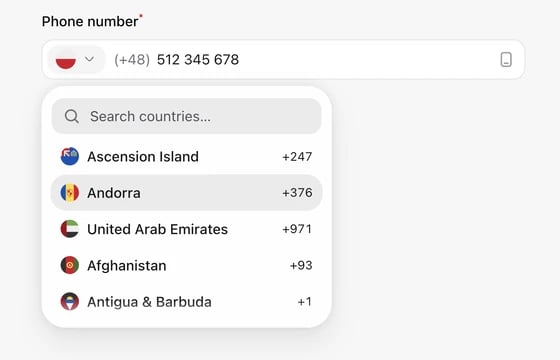
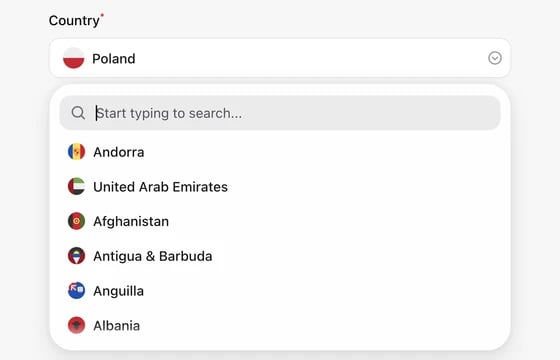
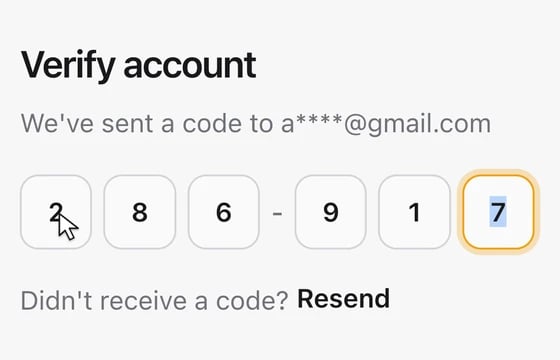
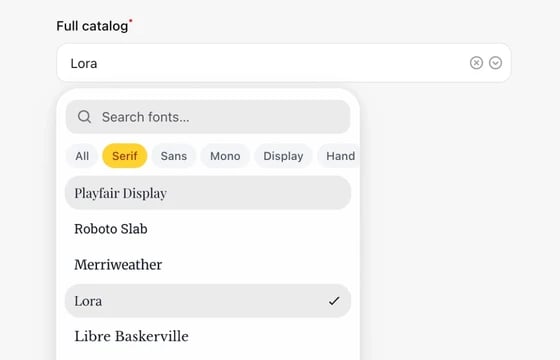
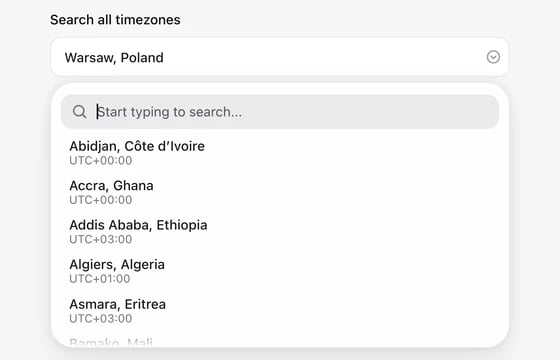
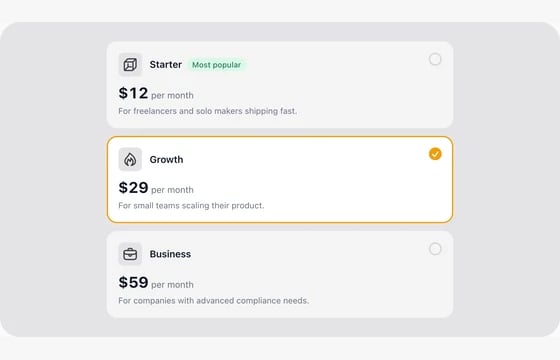
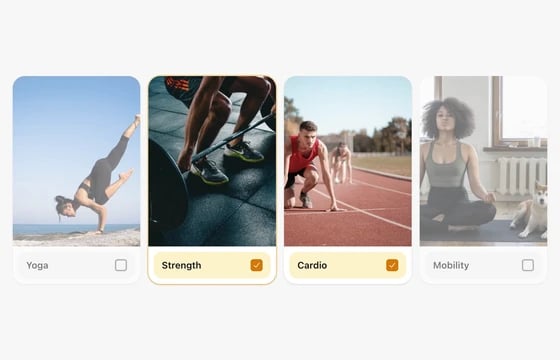
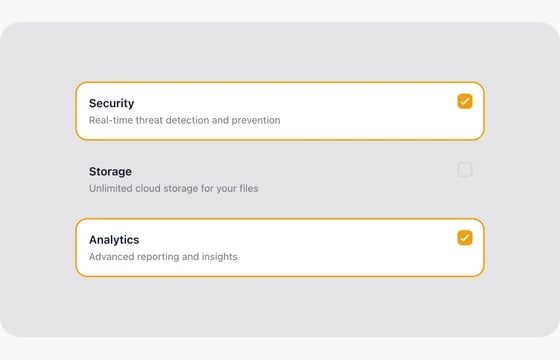
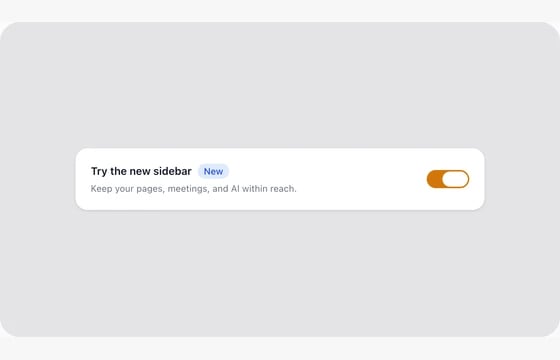
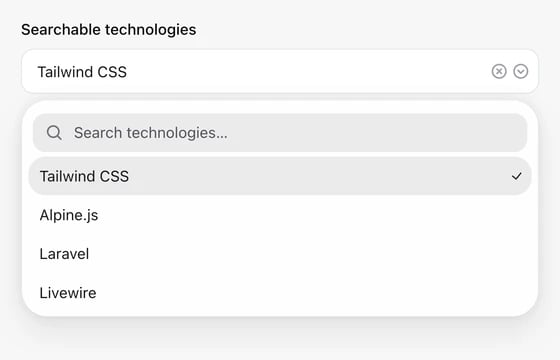
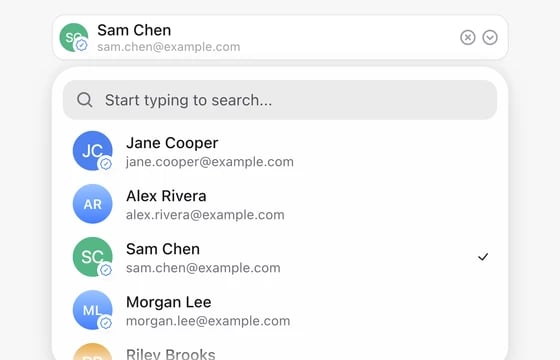
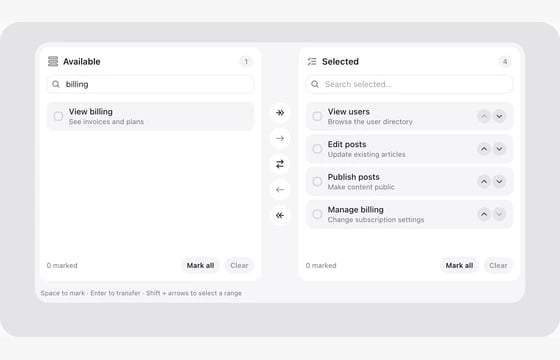
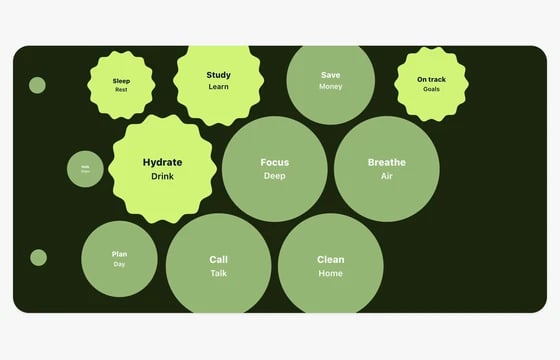
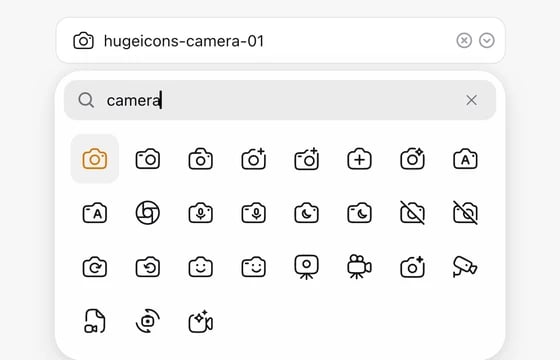
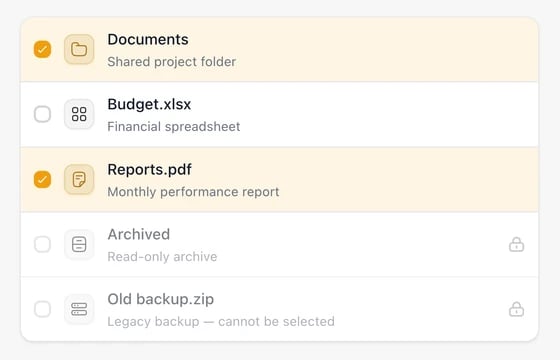
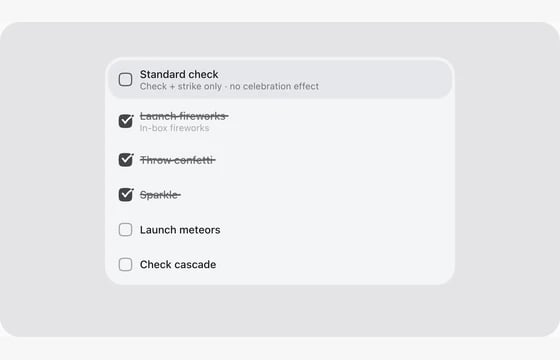
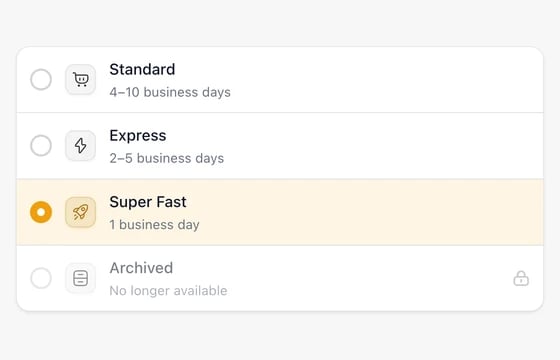
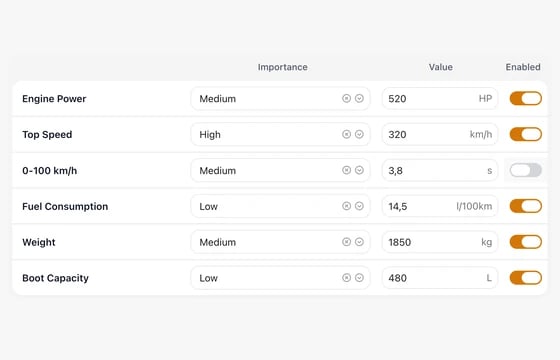
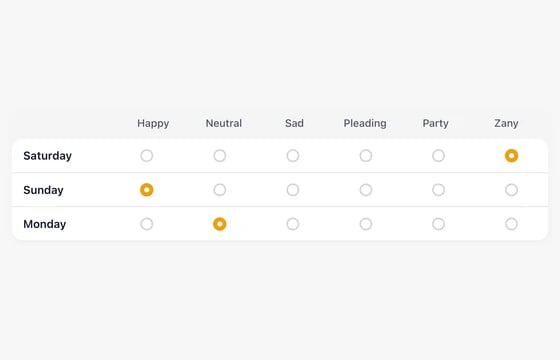
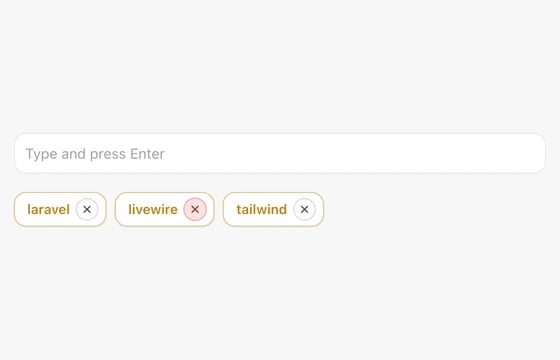
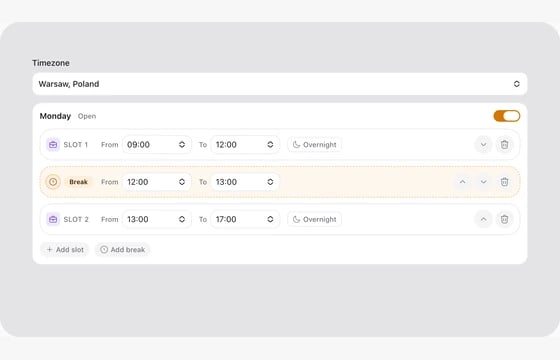
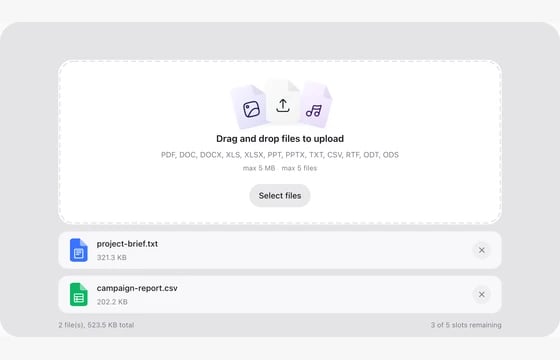
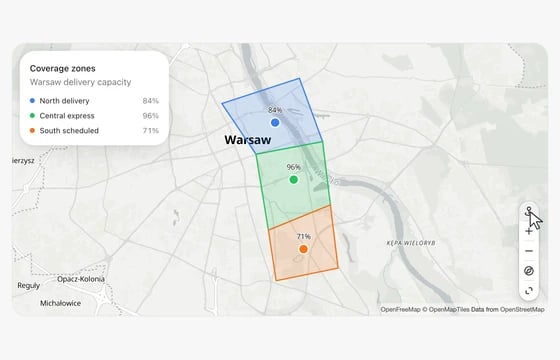
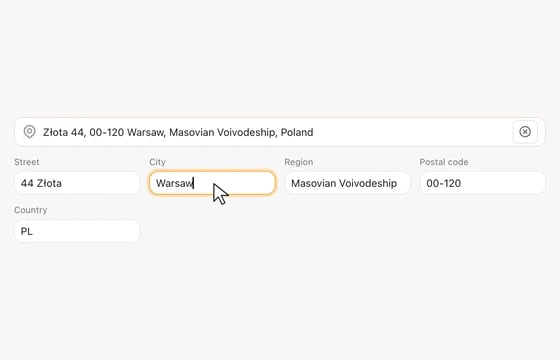
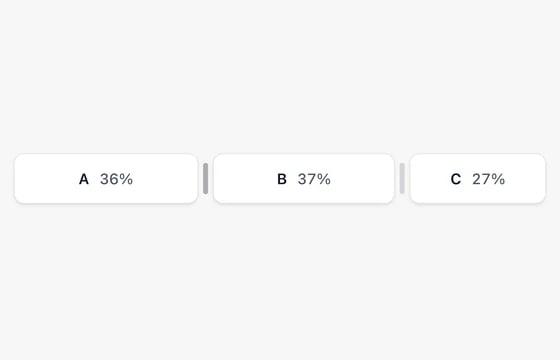
Phone in the FLEX Fields playgroundPhoneInternational phone numbers with searchable country codes and validation.Country in the FLEX Fields playgroundCountrySearch countries and territories with local flags; store a two-letter country code.Font Select in the FLEX Fields playgroundFont SelectSearch fonts with live previews, category filters and virtualized infinite scrolling.Timezone in the FLEX Fields playgroundTimezoneSearch world time zones with local offsets and browser defaults.Choice Cards in the FLEX Fields playgroundChoice CardsPresent selectable cards with icons, labels, descriptions and checked states.Image Choice Cards in the FLEX Fields playgroundImage Choice CardsSelect visual options with image cards, captions and consistent checked states.Choice Checkbox Cards in the FLEX Fields playgroundChoice Checkbox CardsMultiple-choice cards using the shared animated selection indicator.Segment Control in the FLEX Fields playgroundSegment ControlSingle-select segmented control with sliding indicators, icons, and animated label expansion.Switch in the FLEX Fields playgroundSwitchBoolean toggle with row and card layouts, badges, and ripple effects.Select in the FLEX Fields playgroundSelectRich selection with search, grouped options, virtual lists and remote pagination.User Select in the FLEX Fields playgroundUser SelectChoose people with avatars, names, secondary details and multiple selection.Table columnDual Listbox in the FLEX Fields playgroundDual ListboxDual-pane selection tool with search, reordering, and virtual scrolling.Bubble Choice in the FLEX Fields playgroundBubble ChoiceBubble multi-select with center magnification, fringe shrink on pan, and optional scalloped selection.Icon Picker in the FLEX Fields playgroundIcon PickerBrowse icons with search, list or grid layouts, virtual rendering and pagination.Table columnChecklist in the FLEX Fields playgroundChecklistAccessible single or multiple choices with configurable list presentations.Todo List in the FLEX Fields playgroundTodo ListInteractive task lists with completion, ordering and configurable feedback.Radiolist in the FLEX Fields playgroundRadiolistEnhanced radio list with icons, descriptions, and custom sizing.Matrix Table in the FLEX Fields playgroundMatrix TableEdit structured choices in rows and columns with shared form controls.Matrix Choice in the FLEX Fields playgroundMatrix ChoiceExplore matrix choice with configurable behavior, styling and live examples.Tags in the FLEX Fields playgroundTagsSearch, select and create tags, with an optional Spatie Tags adapter.Spatie optional

Number & Range

7
Date & Time

7

Media & Files

7

Color

2

Maps & Location

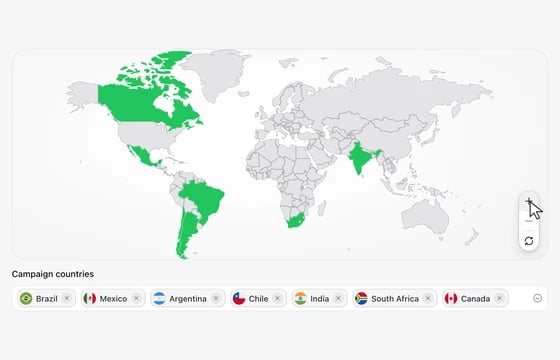
8

Layout & Display

9

Actions

1
Build around your application.

Connect storage and validation, translate your content or compose a reusable component. Each family guide covers its related variants and optional adapters.

Saving & validation ↗RTL support ↗Extensions ↗Media OS ↗
Last modified on October 24, 2026