TrackSlider ← Back to Table of Contents

Summary

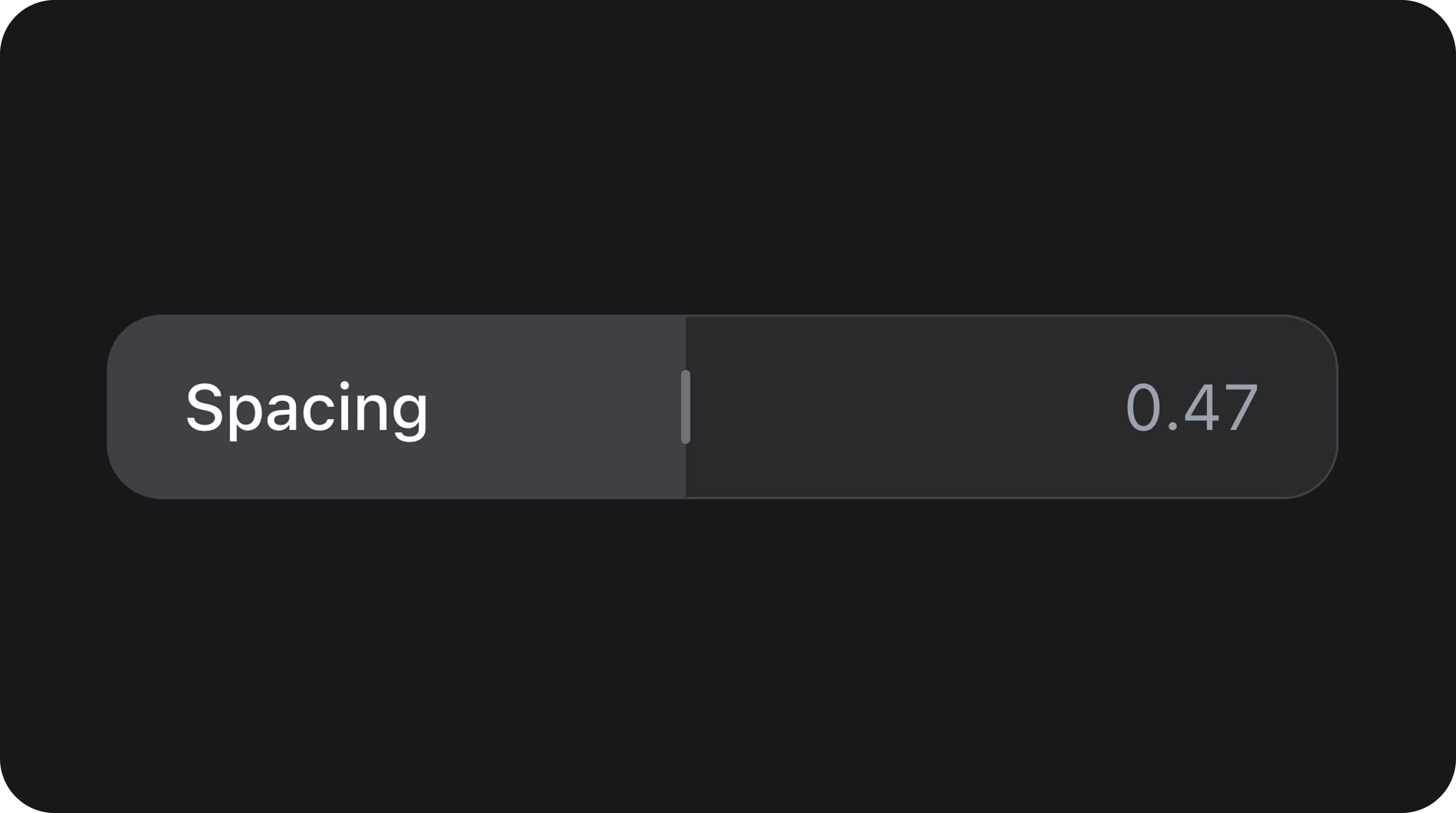
Minimalist track-based range slider where the entire bar acts as the interactive surface. Features a clean, handle-less design with optional live value output and track labels. Often used for percentage inputs or subtle settings.
ClassBjanczak\FilamentFlexFields\Filament\Forms\Components\TrackSlider
State typeint|float
Model cast'volume' => 'integer' or 'float'
FieldTyperange_slider, percentage
Playgroundtrack-slider slug in Flex Fields playground

Basic usage

Standard Percentage

use Bjanczak\FilamentFlexFields\Filament\Forms\Components\TrackSlider;

TrackSlider::make('progress')
    ->label('Progress')
    ->min(0)
    ->max(100)
    ->suffix('%');

Settings Control

TrackSlider::make('font_size')
    ->trackLabel('Font Size')
    ->min(0.5)
    ->max(2)
    ->step(0.1)
    ->integer(false)
    ->decimalPlaces(1);

State & validation

Stored value

State is a numeric value (int or float).
$record->progress; // 75

Validation rules

Built-in NumberStateCast ensures numeric state. Standard Filament rule('min:0') etc. can be added.

Configuration API

All methods accept Closure unless noted.
MethodTypeDefaultDescription
min(int|float $min)Setup0Lower bound
max(int|float $max)Setup100Upper bound
step(int|float $step)Setup1Increment step
integer(bool $condition)SetuptrueSnap to whole numbers
showOutput(bool $condition)SetuptrueDisplay current value inside track
suffix(string $suffix)SetupnullValue suffix (e.g. %)
variant(string $variant)Setup'default'default, secondary
decimalPlaces(int $places)SetupnullFixed decimal precision
trackLabel(string $label)SetupnullLabel shown inside the track
size(string $size)Setup'md'sm, md, lg

Real-world examples

Volume Control

TrackSlider::make('volume')
    ->trackLabel('Volume')
    ->min(0)
    ->max(100)
    ->variant('secondary')
    ->size('lg');

Fine-tuned Spacing

TrackSlider::make('spacing')
    ->min(0)
    ->max(1)
    ->step(0.01)
    ->integer(false)
    ->decimalPlaces(2)
    ->showOutput(false);

Playground

/admin/flex-fields-playground/track-slider See Playground for setup.
ComponentWhen to use instead
FlexSliderTraditional slider with draggable handles
NumberStepperNumeric input with increment/decrement buttons
ProgressBarRead-only visual progress indicator

CSS classes (reference)

ClassRole
fff-track-sliderRoot wrapper
fff-track-slider--{sm|md|lg}Size variant
fff-track-slider--{variant}Visual variant
fff-track-slider__trackMain interactive bar
fff-track-slider__fillActive range indicator
fff-track-slider__thumbSubtle indicator (visible on hover/drag)
fff-track-slider__track-labelLabel inside the track
fff-track-slider__outputValue output inside the track
is-disabledDisabled state
is-draggingActive drag state