Summary
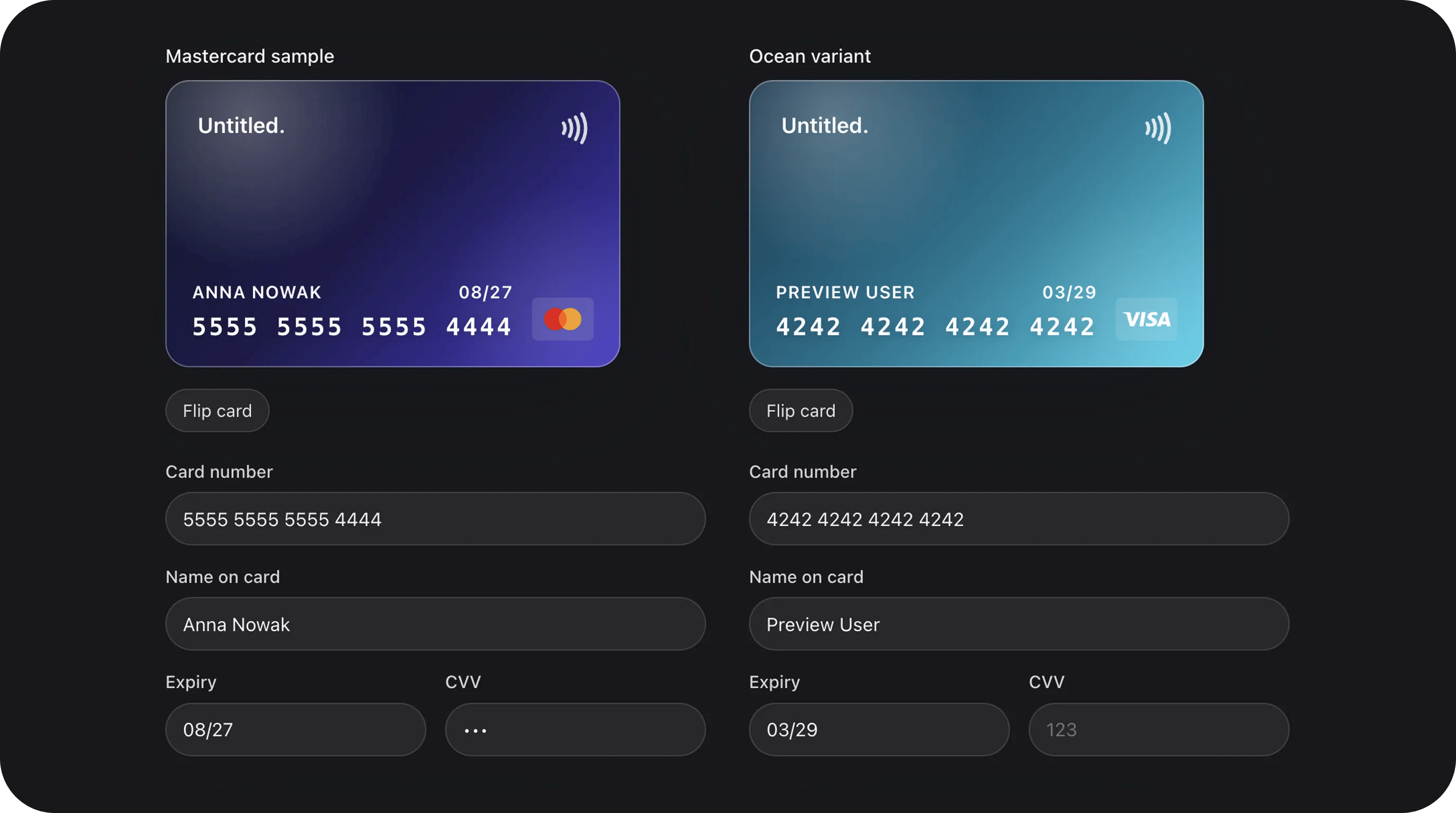
Payment input that combines four fields (number, name, expiry, CVV) into one cohesive component. Includes an interactive 3D-style card preview that flips when focusing the CVV field and validates numbers using the Luhn algorithm.Basic usage
Standard payment form
Custom labels and variant
State & validation
Stored value
The field stores an array of card details. Note that for security, you should usually only store thenumber (masked), name, and expiry in your database, while sending the full details to your payment processor.
Built-in Validation
CreditCardField performs several automatic checks:
- Luhn Check: Validates the card number checksum.
- Expiry Date: Ensures the card is not expired and the format is
MM/YY. - CVV Format: Validates 3 or 4 digit numeric codes.
- Required Fields: If
required(), all four sub-fields must be filled.
Visual Customization
Variants
Choose from four built-in card themes:Input Variants
Change the style of the text inputs below the card:primary: Standard bordered inputs.secondary: Subtle background-only inputs.flat: Minimalist underline style.
Configuration API
All methods acceptClosure unless noted.
Real-world examples
Checkout Page Section
Playground
/admin/flex-fields-playground/credit-card
See Playground for setup.
Related components
PCI & Media Capture OS
CreditCardField integrates with Media Ingress for enterprise PCI posture.
Host wiring: