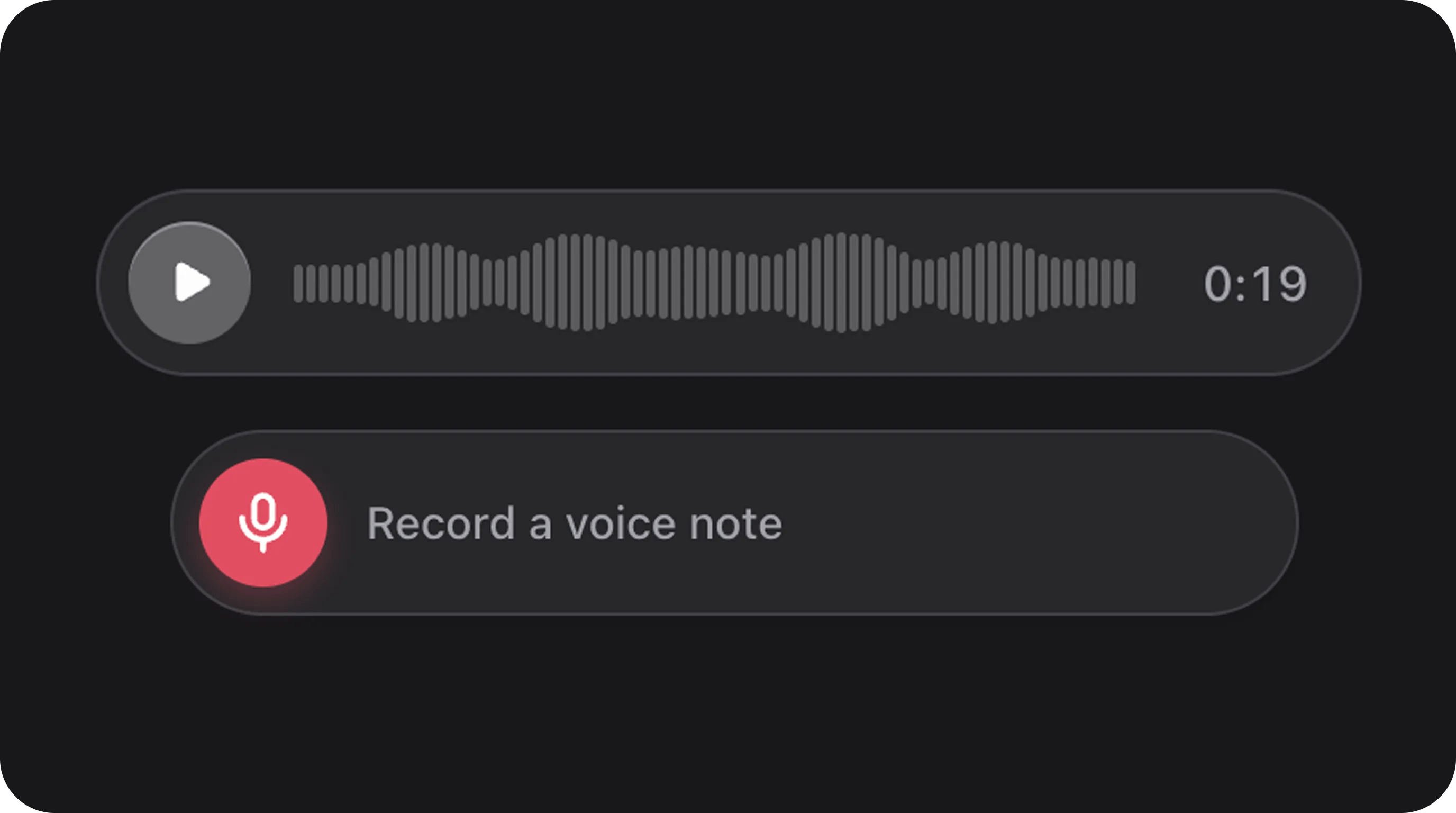
Summary
Compact audio player featuring a modern “iMessage-style” voice note pill. Includes waveform visualization, play/pause controls, optional looping, and optional client-side Whisper transcription (inspired by Xenova/whisper-web). State is typically stored as a URL string to the audio file — the transcript is shown in the UI only and is not written back to field state.Basic usage
Dynamic Audio (from State)
Static Audio (Fixed Source)
With client-side transcription
State & validation
Stored value
State is a string representing the audio URL.Validation rules (built-in)
Ensures the state is a valid media URL string.Configuration API
All methods acceptClosure unless noted.
Speech-to-text (Whisper)
Enable optional client-side speech-to-text on anyAudioField that has a playable audio URL. Transcription runs entirely in the user’s browser via @xenova/transformers — no server API key, no upload of audio to your backend for STT.
- Transcribe Audio — fetches the audio URL, decodes it with Web Audio, runs Whisper, and shows the result below the player.
- Settings (gear) — submenu for model, language, task, Multilingual, and Quantized toggles (same UX pattern as Xenova/whisper-web).
php artisan fff:whisper:install.
Installing the Whisper runtime
The browser ONNX / WASM runtime (~40 MB) is not included in the Composer package and is not published byphp artisan filament:assets. Only apps that use ->transcription() need it.
Important: filament:assets syncs Flex Fields CSS/JS and small static media (beeps, NPS emoji, etc.). It never installs Whisper. Use the commands below.
One-time install
- Downloads the pinned
@xenova/transformersdist files (currently 2.17.2) from the jsDelivr npm CDN. - Verifies each file with SHA-256 against the package manifest (
WhisperRuntimeManifest). - Writes them to
public/filament-flex-fields-assets/whisper/. - Writes
public/filament-flex-fields-assets/whisper/.installed.json(version + hashes + timestamp). - Does not install source maps (
.mapfiles are excluded on purpose).
->transcription() as usual.
Inspect status
CI / deploy gate
When your app requires transcription in production, fail the pipeline if the runtime is missing or corrupt:0 = verified. Exit code 1 = missing or invalid (print includes the fix command).
Re-download
Command reference
Files on disk
URLs are resolved at runtime via
FlexFieldAssets::whisperRuntimeModuleSrc() and whisperRuntimeWasmBaseSrc() (cache-busted with ?v=).
Deploy notes
- Run
fff:whisper:installon each environment that needs transcription (or copy the verifiedpublic/filament-flex-fields-assets/whisper/directory as a build artifact). - Commit the whisper directory only if your deploy strategy requires it; many teams install during CI/CD instead.
- Do not expect
composer installorfilament:assetsalone to restore Whisper after an upgrade. - Upgrading from an older Flex Fields release that bundled Whisper in Composer: remove any stale vendor/public copies from the old layout, then run
fff:whisper:installonce.
Network requirements for install
The install command needs outbound HTTPS to the jsDelivr npm CDN (cdn.jsdelivr.net/npm/@xenova/transformers@…). Air-gapped hosts must vendor the verified files into public/filament-flex-fields-assets/whisper/ by another channel, then confirm with fff:whisper:install --check.
Model weights (Hugging Face) are still downloaded in the browser on first Transcribe — that is separate from this artisan install.
Transcript is not field state
The transcript appears in.fff-audio-field__transcript for the current page session. It is not saved to the Eloquent attribute / form state. To persist text, bind a separate field (for example Textarea) or use server-side transcription on VoiceNoteRecorderField via Media Ingress.
How it works
Progress during the first model load shows the downloading file and percentage (for example
encoder_model.onnx 42%). Model load times out after 10 minutes — enable Quantized or pick a smaller model on slow connections.
Requirements & limitations
Configuration API (transcription)
All methods acceptClosure unless noted.
Invalid tasks throw
InvalidArgumentException at config evaluation time.
Global defaults (config/filament-flex-fields.php)
These config keys apply when the matching field method is not set:
->transcription() without extra methods:
Model catalog & settings toggles
Models and filtering follow whisper-web’s AudioManager:
The settings menu lists models with approximate download size, for example
Xenova/whisper-tiny (41 MB).
The Language submenu exposes the full Whisper ISO 639-1 catalog (90+ languages plus Auto detect), aligned with whisper-web.
Real-world examples
Polish voice note with fixed language
English-only, quantized distil model
Transcribe button only (no user-facing settings)
Translate foreign audio to English
Troubleshooting
User-facing copy is translatable under
filament-flex-fields::default.audio.transcription_* in resources/lang.
Real-world examples
Post-Recording Preview
Fixed Demo Track
Playground
/admin/flex-fields-playground/audio-field
Two sections:
See Playground for setup.